
Key takeaways
- A responsive theme adapts one layout to every screen width, from a small phone to a wide monitor, instead of keeping a separate mobile version.
- It comes down to five things: flexible layouts, readable type at every size, images sized for the screen, a menu that works on a phone and buttons big enough for a thumb.
- Google completed its move to mobile-first indexing in 2023, so the phone version of your site is the version Google looks at.
- WordPress helps: it has added srcset to content images since version 4.4, block themes can use fluid typography since 6.1, and 7.1 added responsive styles for blocks.
- “Responsive” in a theme description is a claim, not a guarantee. Test the theme on a real phone with your own content before you choose it.
Every WordPress theme description says “fully responsive”. It is one of those words that has been repeated so often it has stopped meaning much. Yet it describes something that decides whether most of your visitors can use your site, because most of them will arrive on a phone.
This article explains what a responsive theme actually does, how modern WordPress themes handle it and how to check a theme yourself before you commit. It is part of our guide to how to build a website.
What responsive means
Responsive design
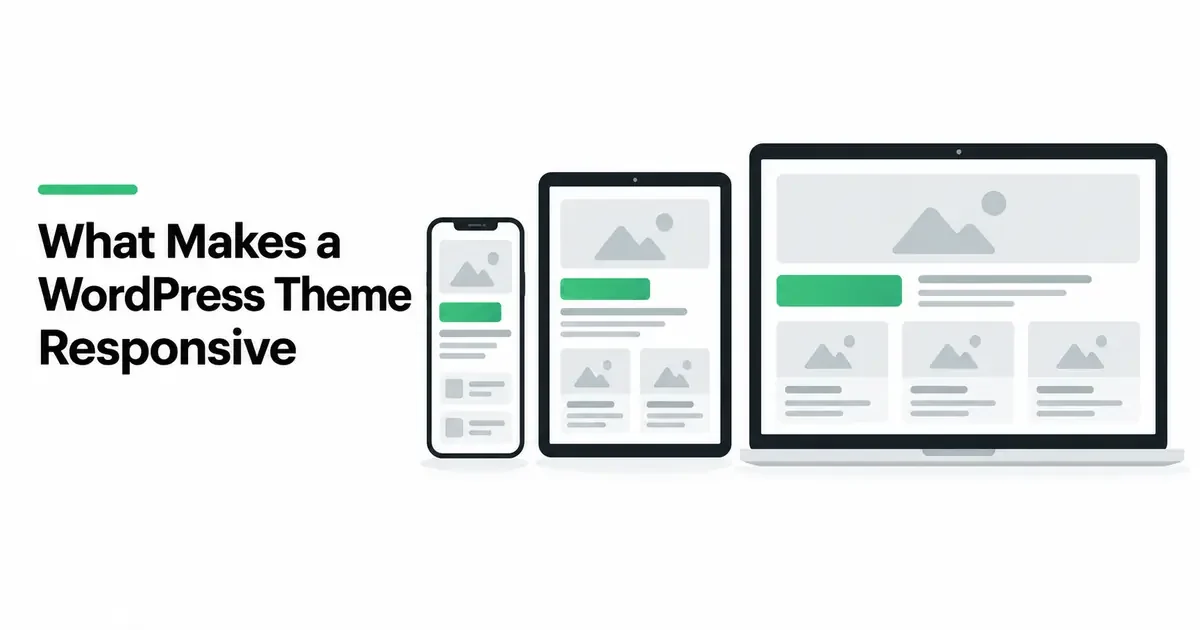
An approach to building websites in which one page adapts its layout, type and images to the width of the screen, so the same site works on a phone, a tablet and a desktop without a separate mobile version.
The alternative, common years ago, was a separate mobile site at its own address. Responsive design replaced it with one site that rearranges itself. Columns stack on a narrow screen, images shrink to fit, the menu folds into a button and text stays readable without zooming.
It matters for more than convenience. Google announced in October 2023 that its move to mobile-first indexing was complete: Google primarily looks at the mobile version of a site when it decides what the site contains. A theme that works badly on a phone works badly for search too.
The five things a responsive theme gets right
1. Layouts that flow
Columns, grids and sections should rearrange themselves on smaller screens: three cards side by side on a desktop, stacked one above the other on a phone. Nothing should force sideways scrolling, and nothing should be squeezed into columns too narrow to read.
2. Type that stays readable
Text should be comfortable to read at every width: not tiny on a phone, not stretched into very long lines on a wide screen. Headings should scale down on small screens so a title does not fill the whole view. Since WordPress 6.1, block themes can switch on fluid typography, which makes font sizes scale smoothly between a minimum and a maximum as the screen width changes.
3. Images sized for the screen
A phone should not download an image made for a large monitor. Since WordPress 4.4, WordPress adds srcset and sizes attributes to images in your content automatically, listing the different sizes it created when you uploaded the image, so the browser can pick a suitable one. A good theme works with this rather than against it, and keeps images in proportion as they shrink.
4. A menu that works on a phone
The navigation is where many themes fail. On a phone, the menu should fold into a clear button, open into a list that is easy to read and tap, and close again without trouble. Every page in the menu should be reachable, including items in sub-menus.
5. Things you can tap
Links and buttons need enough size and space to be tapped with a thumb without hitting the wrong one. Forms should be easy to fill in on a phone, with fields that fit the screen.
How modern WordPress themes do it
Block themes, the kind built for the WordPress site editor, handle much of this through the core blocks themselves. Columns stack on small screens by default, the navigation block includes a mobile menu, and the theme’s settings file can define fluid type sizes and layout widths for the whole site at once.
WordPress 7.1, released on August 19, 2026, went further. It added responsive styles, so you can set how a block looks at different screen sizes without writing code, and let themes define their own breakpoints, the widths at which the layout changes.
Classic themes can be just as responsive, but how well depends entirely on how the theme’s own code was written.
A ten-minute test before you choose
You do not need developer tools. Install the theme on a test site, or open its demo, and use your own phone:
- Open a long page of text. Is it comfortable to read without zooming?
- Open the menu. Does it open and close cleanly? Can you reach every page?
- Look at a page with columns or cards. Do they stack neatly?
- Look at the images. Do they fit the screen and keep their shape?
- Fill in a form. Are the fields easy to tap and type into?
- Turn the phone sideways. Does the layout still hold?
- Paste in your own content, especially a long title and a long word. Demos are written to fit; your content may not be.
- Run the page through a speed test on its mobile setting, such as PageSpeed Insights.
If a theme fails any of the first five on its own demo, it will not do better with your content.
Where NoTiesBuilder fits
NoTiesBuilder is our product and is launching soon. The themes it uses are block themes made by The Web Architecture, the company behind NoTiesBuilder, built from core blocks with fluid type and tested on small phones and large screens. For the wider question of choosing a theme, see how to choose a WordPress theme.
Frequently asked questions
What does it mean for a WordPress theme to be responsive?
It adapts its layout, type and images to the screen width, so the same site works on a phone, a tablet and a desktop without a separate mobile version.
Are all WordPress themes responsive?
Almost all claim to be, but quality varies a lot. Test the menu, text, images and forms on a real phone before you choose.
Does a responsive theme help SEO?
It helps you avoid problems. Google primarily uses the mobile version of a site for indexing, so a site that works badly on phones works badly for search.
Do I need a separate mobile version of my site?
No. A responsive theme serves the same site to every device and adapts it to each screen.
How do I test if my theme is responsive?
Open your site on your own phone and check long text, the menu, columns, images and forms. A mobile speed test such as PageSpeed Insights adds a performance check.
Sources
- Google Search Central Blog, Mobile-first indexing has landed, October 2023
- Make WordPress Core, Responsive Images in WordPress 4.4, November 10, 2015
- Make WordPress Core, Fluid font sizes in WordPress 6.1, October 3, 2022
- WordPress.org News, WordPress 7.1 “Mary Lou”, August 19, 2026
- Google, PageSpeed Insights