
Key takeaways
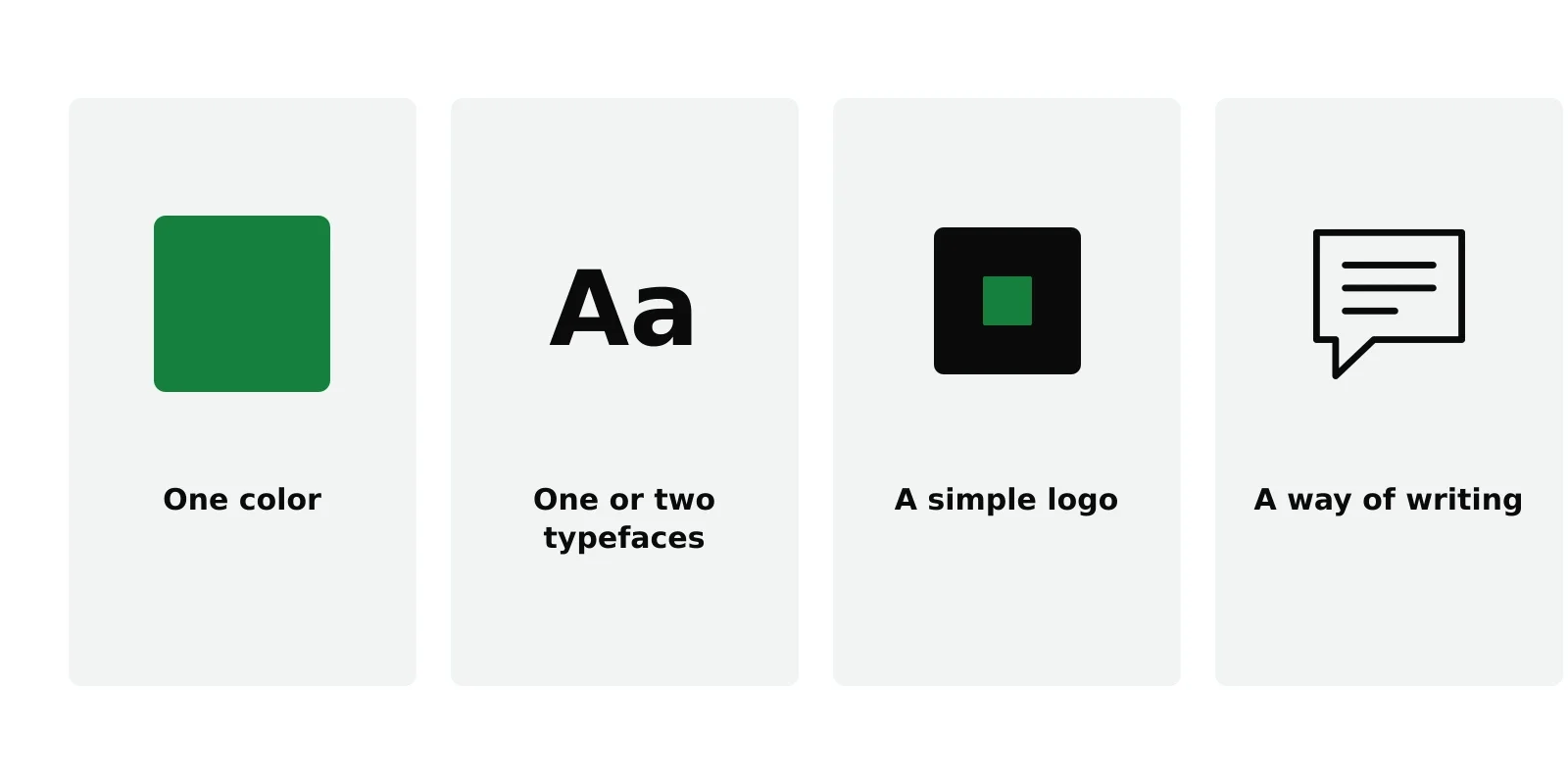
- For a small-business website, a usable brand is four decisions: a main color, one or two typefaces, a simple logo and a way of writing.
- Consistency matters more than originality. The same color and type everywhere does more than a clever logo used once.
- Check contrast. A brand color that is hard to read on white is the wrong color for buttons and links.
- A wordmark, your name set well in a good typeface, is a legitimate logo, and often the right one to start with.
- Give it two hours, then stop. You can refine a brand once the business has taught you what it is.
Branding is one of the places where building a website stalls. People spend weeks choosing between shades of blue, or wait for a logo before writing a single page. For a small business at the start, a brand does not need to be a project. It needs to be a few clear decisions, applied the same way everywhere.
This is the version you can finish in two hours.
Decision 1: one main color
Pick one color that will mark the things you want people to notice: buttons, links, highlights. Everything else stays neutral, with dark text on a light background.
How to choose it:
- Look at your competitors’ sites. If they are all blue, a different color helps you stand apart. If your field has a strong convention, such as green for gardening, you can follow it or deliberately break it.
- Check that it reads. Check your color against white for links, and white text against your color for buttons, with any free contrast checker. The Web Content Accessibility Guidelines ask for a contrast ratio of at least 4.5 to 1 for normal text. Many light yellows and greens fail; a slightly darker shade usually passes.
- Ignore color psychology claims. Blue does not make people trust you and red does not make them hungry in any reliable way. Choose a color you like that reads well.
One color is enough. A second accent is fine if you need it, but most small sites look better with fewer colors, not more.
Decision 2: one or two typefaces
Typography is most of how a website looks, because most of a website is text.
The simplest good option is one well-made typeface for everything, using weight and size to tell headings from body text. If you want more character, use a distinctive typeface for headings and a plain, highly readable one for body text.
Practical rules:
- Readability first for body text. If a paragraph is tiring to read, the typeface is wrong, however nice the headings look.
- Use free, licensed fonts. Google Fonts and similar libraries offer high-quality typefaces with clear licenses for websites.
- Two at most. Three typefaces on one site almost always looks accidental.
Decision 3: a simple logo
You need something to put in the top corner of your site and in the browser tab. It does not need to be elaborate.
A wordmark is a real logo. Your business name set in your heading typeface, perhaps in your main color, is how many well-known brands started. It is readable, scales well and costs nothing.
A symbol can come later. If you want an icon, keep it simple enough to recognize at the size of a browser tab, around 16 pixels across. Detailed illustrations disappear at that size.
When to pay a designer. When the business is established enough that you know what it stands for. A designer can do much more with a business that has customers and a track record than with an idea.
Decision 4: a way of writing
Your brand is also how you sound. This matters on a website, because visitors read far more words than they see logos.
Write three short rules for yourself. For example: “We say ‘you’, not ‘customers’. We use short sentences. We never promise what we cannot guarantee.” Then apply them to every page. A consistent voice makes a small business feel more established than any logo.
Applying it consistently
Once the four decisions are made, the work is consistency:
- The same color for every link and button.
- The same typefaces on every page, at the same sizes for the same jobs.
- The logo in the same place, at the same size.
- The same voice on the homepage, the About page and the error messages.
Most website themes let you set colors and typefaces once, for the whole site. Use that setting rather than changing colors page by page. It keeps the site consistent and makes it easy to change your mind later.
The two-hour rule
Give the four decisions two hours, then stop. Write down what you chose: the color code, the typeface names, the logo file and your three writing rules. That note is your brand guide.
You will probably refine it within a year, once you see what customers respond to. That is normal. A brand you can use now is worth more than a perfect one you are still waiting for.
Next in the process: how to choose a WordPress theme that fits what your site does. For the full path, see how to build a website.
Where NoTiesBuilder fits
NoTiesBuilder is our product and is launching soon. Its style step will ask for exactly these choices, a color and type on top of a theme and a starter, and apply them across the whole site.
Frequently asked questions
How much should a small business spend on branding?
At the start, as little as a few hours of your time, using free typefaces and a simple wordmark. Paying a designer makes more sense once the business is established.
Do I need a logo before I build my website?
No. Your business name set in a good typeface works as a logo. You can replace it later without changing anything else on the site.
How many colors should a brand have?
One main color, plus neutrals for text and backgrounds, is enough for most small businesses. Add a second accent only if you have a clear use for it.
What makes a brand color good for a website?
It needs to read clearly as link and button text. Check its contrast against your background; the WCAG guideline for normal text is a ratio of at least 4.5 to 1.